



 Github Stars:
 Last Commit:
  Created:
Overview
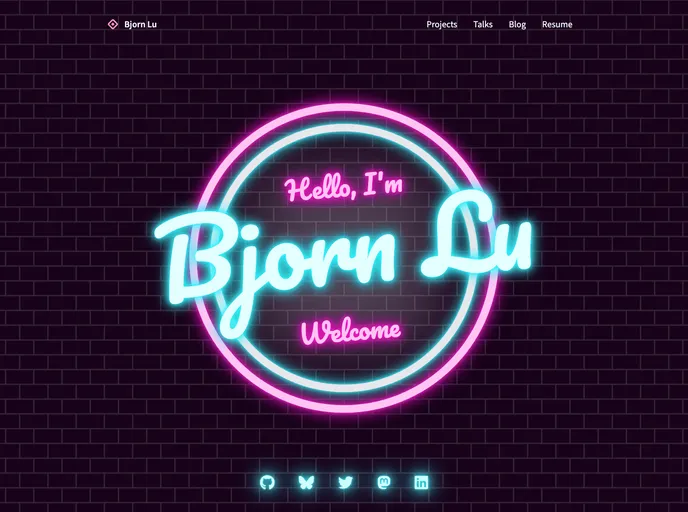
My website is built with SvelteKit, WindiCSS, and Remark/Rehype/Unified. It is a port from Gatsby to SvelteKit, with the biggest challenge being the transfer of the Markdown processing due to Gatsby’s locked-in Remark ecosystem.
Features
- SvelteKit: The website is built using SvelteKit, a framework for building fast, lightweight web applications.
- WindiCSS: WindiCSS is used for styling the website, offering a utility-first CSS framework that is highly efficient and easy to use.
- Remark/Rehype/Unified: Remark, Rehype, and Unified are a set of tools used for processing and transforming Markdown content. These tools allow for a seamless integration of Markdown in the website.
Installation
To install the theme, follow these steps:
- Install SvelteKit and set up your project.
npm init svelte@next
- Install WindiCSS using npm.
npm install -D windicss
- Install the required packages for Markdown processing.
npm install remark rehype unified rollup-plugin-markdown
- Set up the rollup-plugin-markdown in your rollup.config.js file.
import markdown from 'rollup-plugin-markdown';

export default {
  // other configurations
  plugins: [
    // other plugins
    markdown()
  ]
}
- Start the SvelteKit development server.
npm run dev
Summary
The website is built using SvelteKit, WindiCSS, and Remark/Rehype/Unified. The transfer from Gatsby to SvelteKit posed the challenge of transferring the Markdown processing, which was solved using a compatible rollup-plugin-markdown. This allows for seamless integration of Markdown content in the website.




















































