



 Github Stars:
 Last Commit:
  Created:

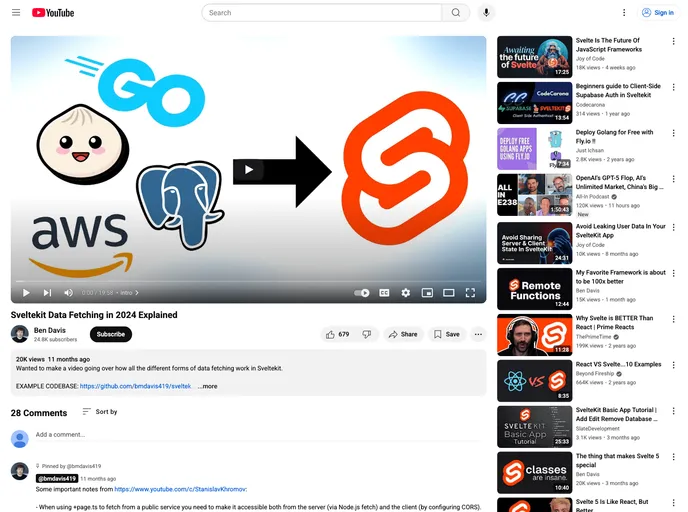
Overview
SvelteKit is an exciting framework that simplifies the process of building robust web applications with Svelte. Among its many capabilities, data fetching is a key feature that allows developers to easily retrieve and display dynamic content. This guide walks you through the essentials of setting up a SvelteKit project to fetch data using a Turso database, and includes practical steps to replicate the setup and see results locally.
By following the provided instructions, you can quickly get your environment up and running. From cloning the repository to running the development server, each step is clearly outlined to help both new and seasoned developers embrace the power of SvelteKit with Turso.
Features
Easy Setup: Clone the repository and simply run
bun installto set up your project dependencies with minimal hassle.Environment Configuration: Customize your project effortlessly by filling in the
.envfile with your Turso credentials to establish database connectivity.Schema Push: Use
bunx drizzle-kit pushto implement your database schema changes seamlessly, ensuring your backend is in sync with your frontend requirements.Data Population: Quickly generate fake data through the Turso console to streamline testing and visualization of your application’s features.
Development Server: Start your development server with a single command (
bun run dev) and see your changes in real-time as you build your application.Visual Aids: Diagrams illustrating data fetching and rendering trees are included, enhancing your understanding of the workflow within a SvelteKit application.
Tutorial Support: Accompanied by a concise video guide, users can follow along and grasp concepts faster, making learning more accessible and engaging.



















































