



 Github Stars:
 Last Commit:
  Created:

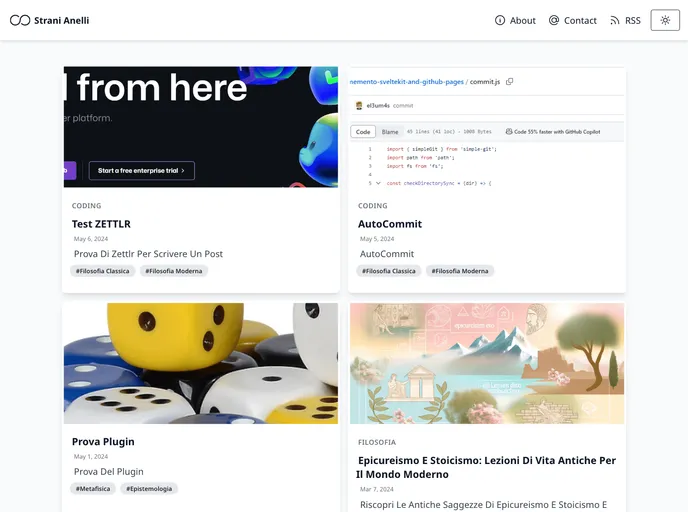
Overview
MEMENTO SvelteKit & GitHub Pages is a template that allows users to create a blog using SvelteKit and deploy it easily on GitHub Pages.
Features
- SvelteKit: Built on the SvelteKit framework, providing a lightweight and efficient development experience for building the blog.
- GitHub Pages: Seamlessly integrated with GitHub Pages, allowing easy deployment of the blog with just a few commands.
- Svelte Components: Utilizes Svelte’s component-based architecture, making it easy to create reusable and modular components for the blog.
Installation
To create a new project based on this template using degit, follow these steps:
- Open your terminal and navigate to the desired directory where you want to create your project.
- Run the following command to clone the template repository:
npx degit username/reponame my-blog
Replace ‘username/reponame’ with the actual repository name you want to clone and ‘my-blog’ with the desired name for your project.
- Once the repository is cloned, navigate into the project directory:
cd my-blog
- Install the dependencies by running the following command:
npm install
- Start the development server with the following command:
npm run dev
This will launch the blog on a local development server, allowing you to view and test it in your browser.
- Build the blog for production with the following command:
npm run build
This command will generate optimized and minified files for the blog.
- Deploy the blog to GitHub Pages with the following command:
npm run deploy
Make sure you have set up the necessary GitHub Pages configuration, including the repository’s settings and branch configuration, before running this command.
Summary
MEMENTO SvelteKit & GitHub Pages is a template that provides an easy and efficient way to create a blog using SvelteKit. With seamless integration with GitHub Pages, deploying the blog becomes hassle-free. Its use of Svelte’s component-based architecture allows for the creation of modular and reusable components, enhancing code organization and maintainability.




















































