



 Github Stars:
 Last Commit:
  Created: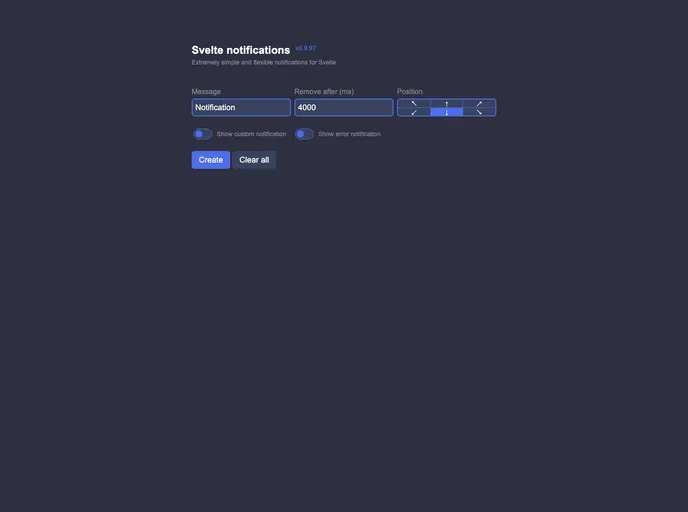
Overview:
The Svelte Notifications is a simple and flexible notifications system for Svelte 3. It provides a way to display notifications in your Svelte application with customizable options.
Features:
- Simple and flexible notifications system
- Custom notification component
- Ability to remove default styles
- Support for different positions and types of notifications
- Option to set a timeout for notification removal
- Convenient methods to manage notifications
Installation:
To install the Svelte Notifications, you can use the following steps:
Install the package via npm:
npm install svelte-notificationsImport the necessary components in your Svelte file:
import { Notifications, getNotificationsContext } from 'svelte-notifications';
- Use the
Notificationscomponent in your Svelte template:
<Notifications>
  <!-- your Svelte code here -->
</Notifications>
- Access the notifications store and functions using the
getNotificationsContextfunction:
const { addNotification, removeNotification, clearNotifications, subscribe } = getNotificationsContext();
- Use the available functions to add, remove, clear, or subscribe to notifications:
// Add a notification
addNotification({
  text: 'This is a sample notification',
  position: 'bottom-right',
  type: 'success',
  removeAfter: 3000 // 3 seconds
});

// Remove a notification
removeNotification('notification-1');

// Clear all notifications
clearNotifications();

// Subscribe to notification changes
subscribe((notifications) => {
  console.log('Notifications:', notifications);
});
Summary:
Overall, the Svelte Notifications is a useful package for adding a notifications system to your Svelte application. It provides a simple and flexible way to display notifications with customizable options. By following the installation guide and utilizing the available functions, you can easily incorporate notifications into your Svelte project.






















































