



 Github Stars:
 Last Commit:
  Created:
Overview
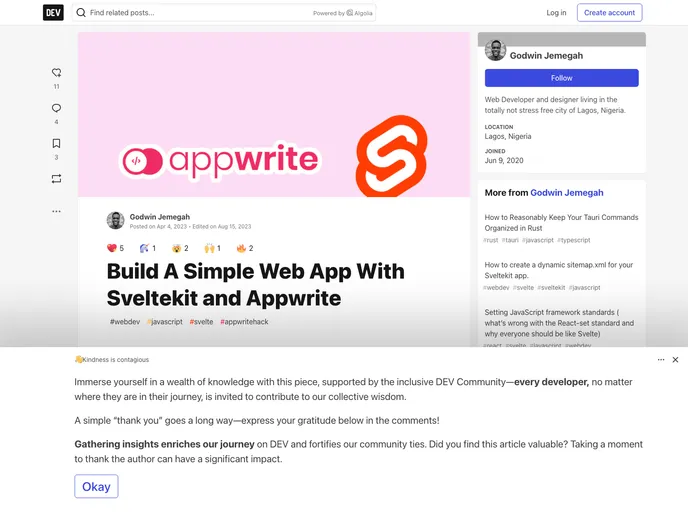
This product analysis is about Sveltekit and Appwrite, two web development tools that aim to simplify the process of building high-performance, scalable web applications. Sveltekit is a web development framework built on top of Svelte, providing features like server-side rendering, file-based routing, automatic code-splitting, and more. Appwrite, on the other hand, is an open-source backend server software that offers various backend services such as authentication, database management, storage, and cloud functions.
Features
SvelteKit:
- Server-side rendering
- File-based routing
- API endpoints
- Automatic code-splitting
- Wide range of integrations and plugins
Appwrite:
- Authentication and user management with support for various providers
- Database management with support for NoSQL and SQL databases
- Storage API supporting local file storage, Amazon S3, and Google Cloud Storage
- Serverless functions triggered by events or scheduled runs
- Extensive API documentation and SDKs
Installation
To install SvelteKit:
- Install the package manager of your choice (NPM, Yarn, or PNPM).
- Make sure you have Vite installed and follow the provided tutorial.
- Create a SvelteKit application using the
createcommand, specifying the framework as Svelte and the variant as SvelteKit. - Choose the Skeleton project option.
- Select “no” for Typescript and only enable ESlint and Prettier as additional options.
- Navigate into the created project directory and install all dependencies.
- Run the application using the
pnpm devcommand and open the URL (default: http://localhost:5173/) to see the basic page.
To configure Appwrite and Docker:
- Ensure Docker is installed on your system.
- Install the Svelte node adapter.
- Modify the
svelte.config.jsfile to use the node adapter. - Create a
.dockerignorefile at the root of the project to specify files and folders to ignore during the Docker build process.
Summary
SvelteKit and Appwrite are powerful tools for web development. SvelteKit simplifies the development of high-performance, scalable web applications with its server-side rendering, file-based routing, and other features. Appwrite provides backend services like authentication, database management, storage, and serverless functions, making it easier for developers to build scalable applications. With their extensive features and integrations, these tools offer a comprehensive solution for web application development.




















































