



 Github Stars:
 Last Commit:
  Created:
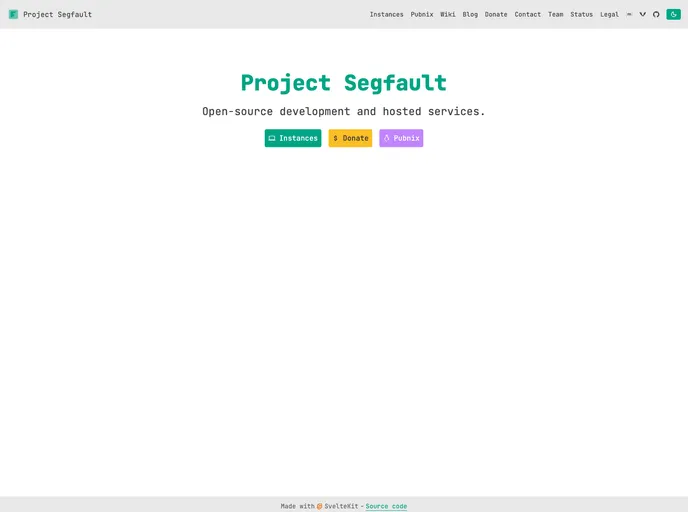
Overview
The Project Segfault website is a web application built on Ghost CMS and Authentik authentication. It requires the installation of node.js, pnpm, and knowledge of Svelte. The website can be run locally for development purposes or in production using Docker Compose.
Features
- Ghost CMS deployment: The website is built on the Ghost CMS platform, allowing for easy content management and customization.
- Authentik authentication: The website uses Authentik for user authentication and authorization, providing a secure login system.
- Svelte development: The website utilizes the Svelte framework for front-end development, enabling a reactive and efficient user interface.
Installation
To install and run the Project Segfault website, follow these steps:
- Install node.js on your system.
- Install pnpm package manager.
- Learn Svelte framework.
- Add the required environment variables (listed below).
- Clone the repository using
git clone https://github.com/ProjectSegfault/website. - Change directory into the clone using
cd ./website. - Install dependencies using
pnpm i. - Run the development server using
pnpm dev. - Open a browser and go to
http://localhost:5173/to see the website running locally.
For running the website in production, you have two options:
- Docker: Install Docker and Docker Compose on your system. Add the required environment variables and run
docker compose up -din the source code directory (or compose.yml file if not building from source). - Local: Follow the steps in the “Developing” section, but use
node buildinstead ofpnpm dev. Expect the website to be available athttp://localhost:3000/.
Summary
The Project Segfault website is a web application built on Ghost CMS and Authentik authentication. It offers features such as Ghost CMS deployment, Authentik authentication, and utilizes the Svelte framework for development. The installation process involves setting up the necessary dependencies, cloning the repository, and running the application locally or in production using Docker or locally with node.js.




















































